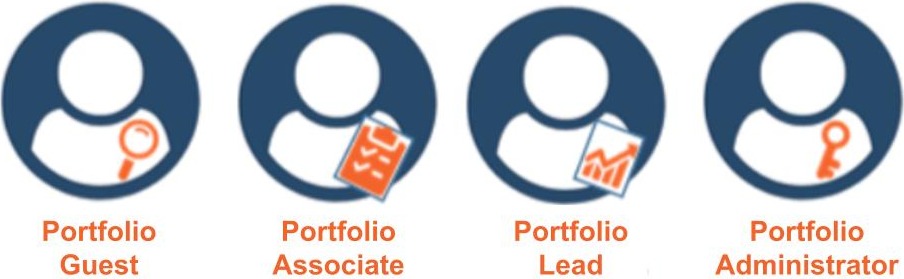
A Portfolio Member is an Organization Member with Portfolio Access to a Portfolio. Portfolio Access sets what they may do with the Portfolio, its Procedures, and their Assignments. Each level includes everything the level before it allows.
.jpg)
By choosing each member's access, you give every team member the guidance they need while keeping control of your Procedures.
Guest
May view Procedures and create or request Assignments from them. Tabs a Guest may not use, such as a Procedure's Actions, Fields, Roles, Triggers, and Activity tabs, are shown disabled with a tooltip that explains why.
Associate
Guest, plus may view all Assignments of the Portfolio's Procedures.
Lead
Associate, plus may edit Procedures and update their Assignments.
Administrator
Lead, plus may add or remove Portfolio Members and update their Portfolio Access.
Assignees and Requestors
The Assignee and Requestor of an Assignment, and the Assignee of any of its Tasks, may work on that Assignment even without Portfolio Access. They can read its Procedure, Guide, Fields, and Comments, but only for that Assignment.
Related Articles
Overview
Step-by-Step
